A night of frames in under two minutes
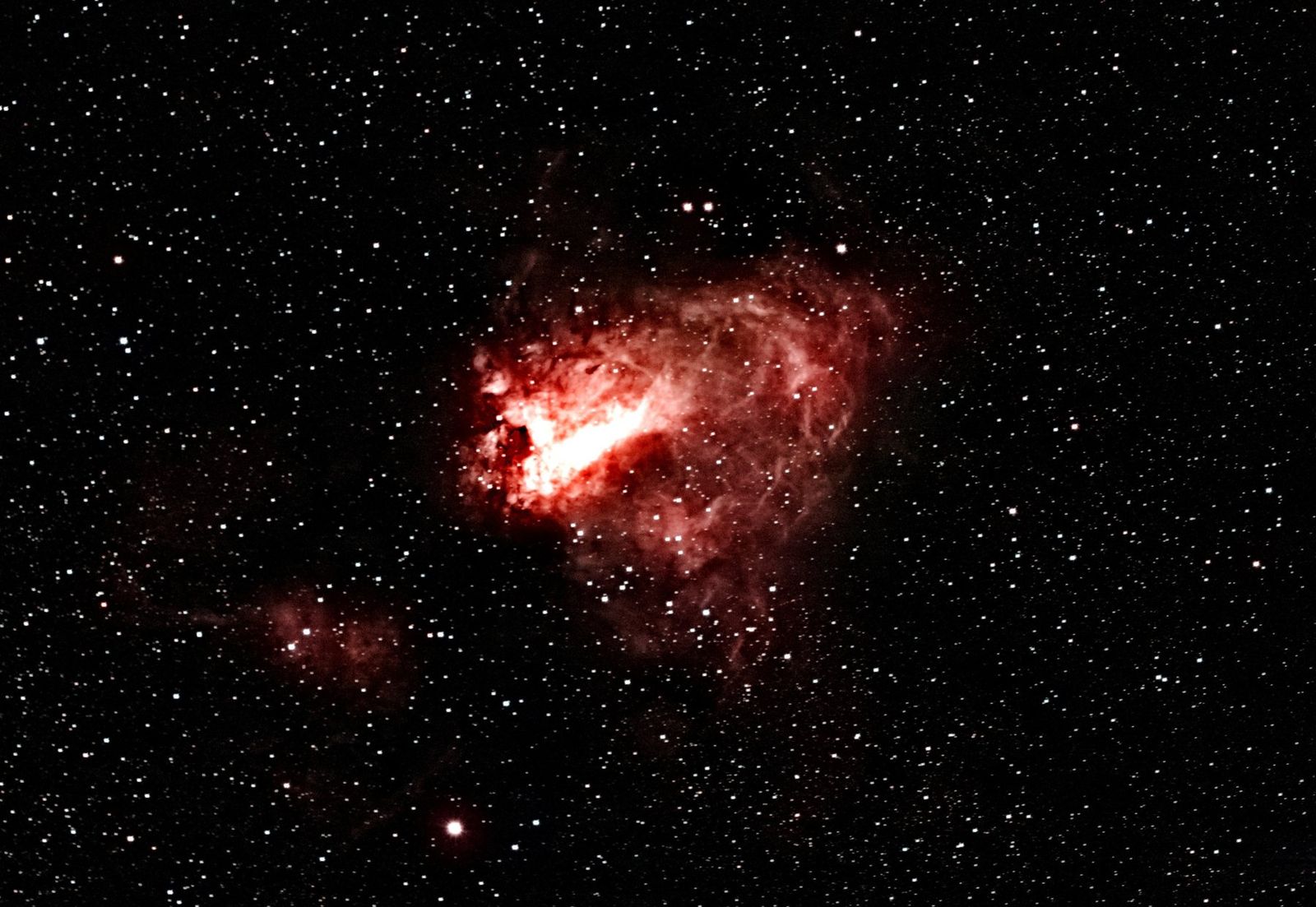
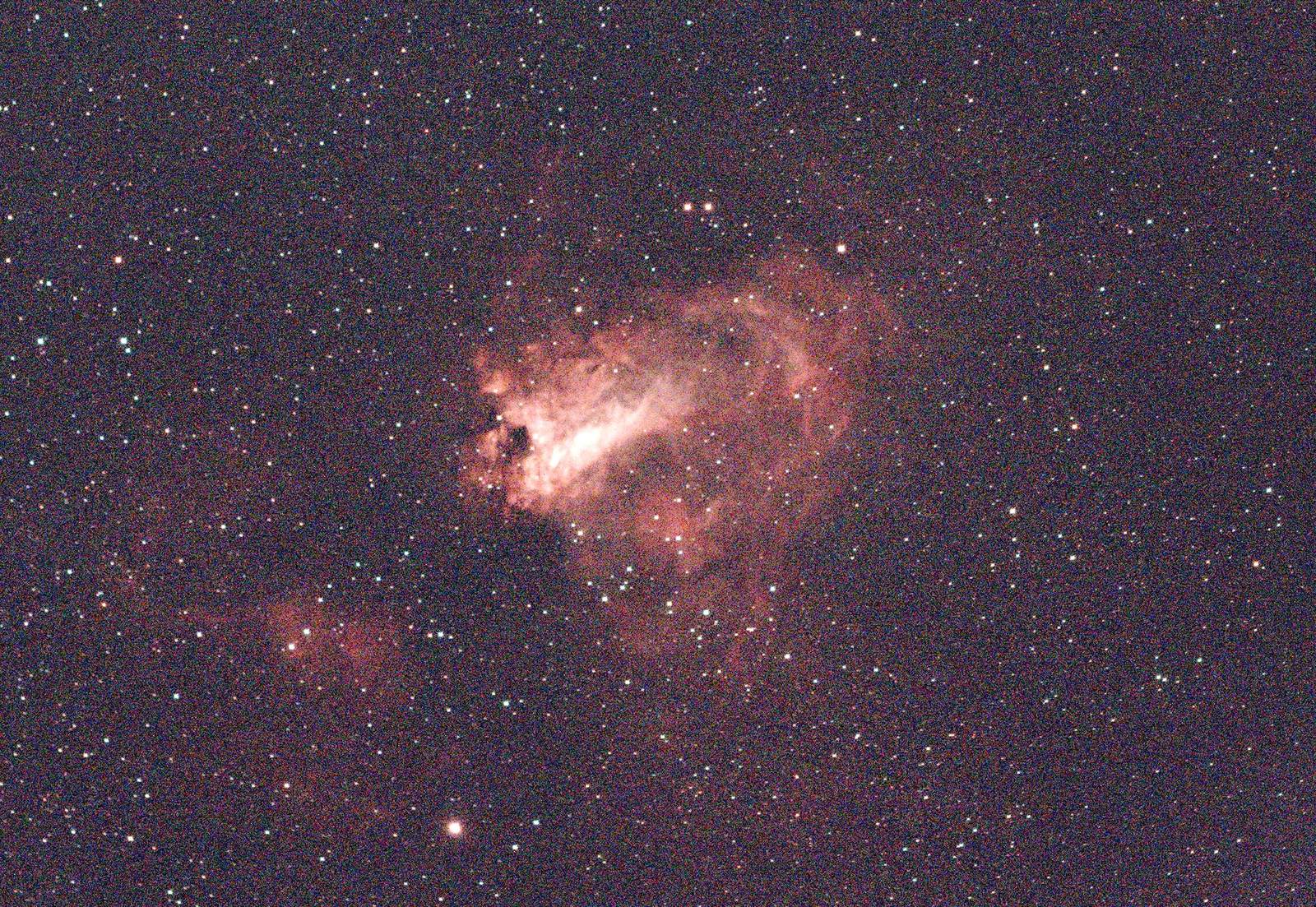
The Omega Nebula, 114 frames, on an 8-core desktop: 113 seconds from the raw files to a finished image. The red block is the part that makes the picture look good; the rest is getting 114 frames to line up.
- Load, calibrate, score24.8 s
- Register8.2 s
- Align and stack20.0 s
- Finish the image51.3 s
- Disk and setup8.8 s
Load, calibrate, score
Each frame is corrected with your bias, dark and flat, turned from the sensor's colour mosaic into an image, and scored for sharpness and noise. Frames that are clearly bad are dropped.
Register
Frames are lined up to a fraction of a pixel, including the slow rotation of the field that an alt-az mount like the Origin produces.
Align and stack
The aligned frames are combined with outlier rejection, so satellite trails, hot pixels and cosmic rays drop out instead of averaging in.
Finish the image
Background gradients, colour and noise are handled, then the result is stretched to be viewed. The FITS file it saves stays linear, ready for any further work.
Frames are processed one at a time, so 500 frames need about the same memory as 50. Temporary files take roughly 100 MB of disk per frame while the run is going.
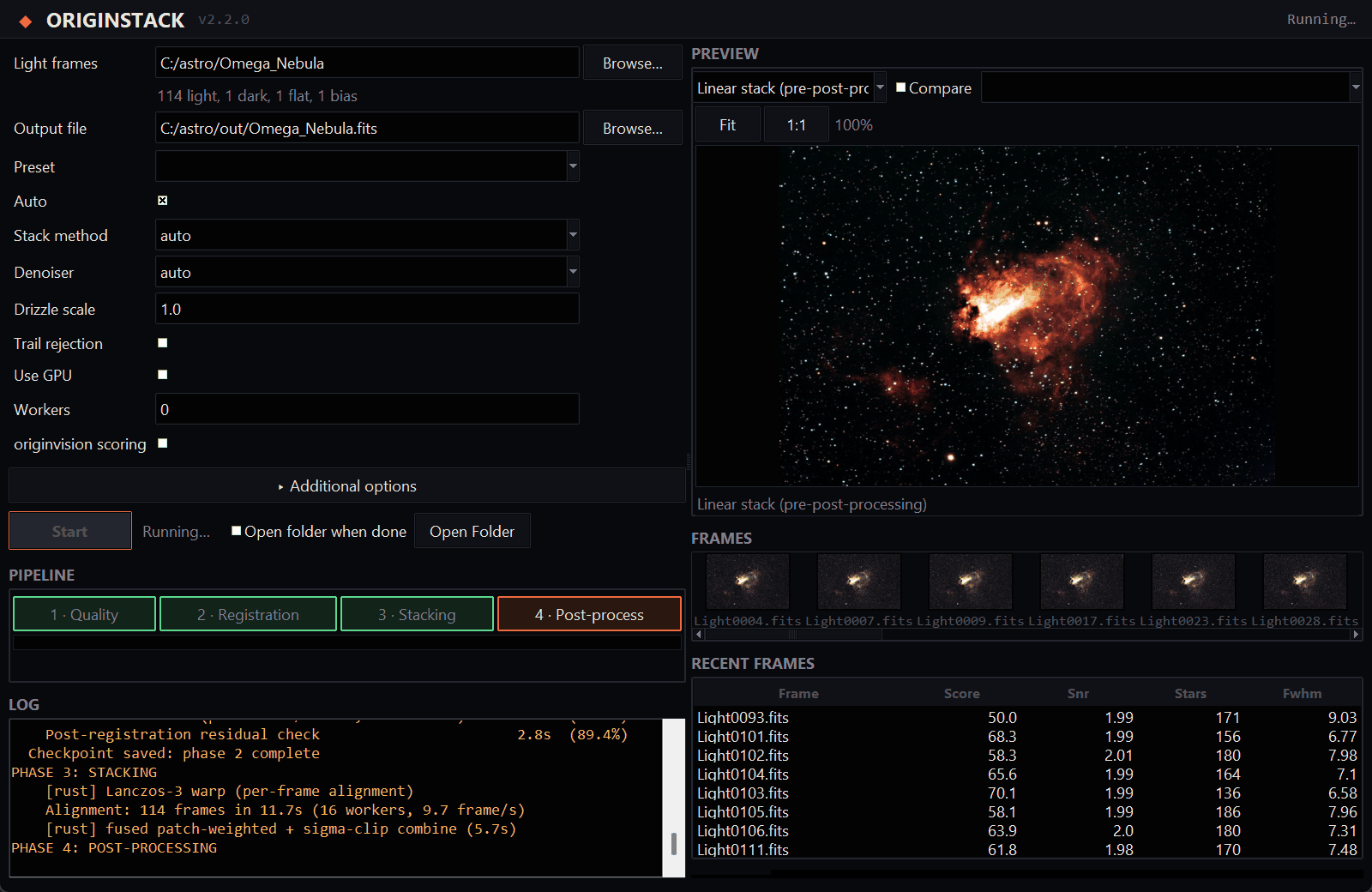
Watch it work, or skip the settings
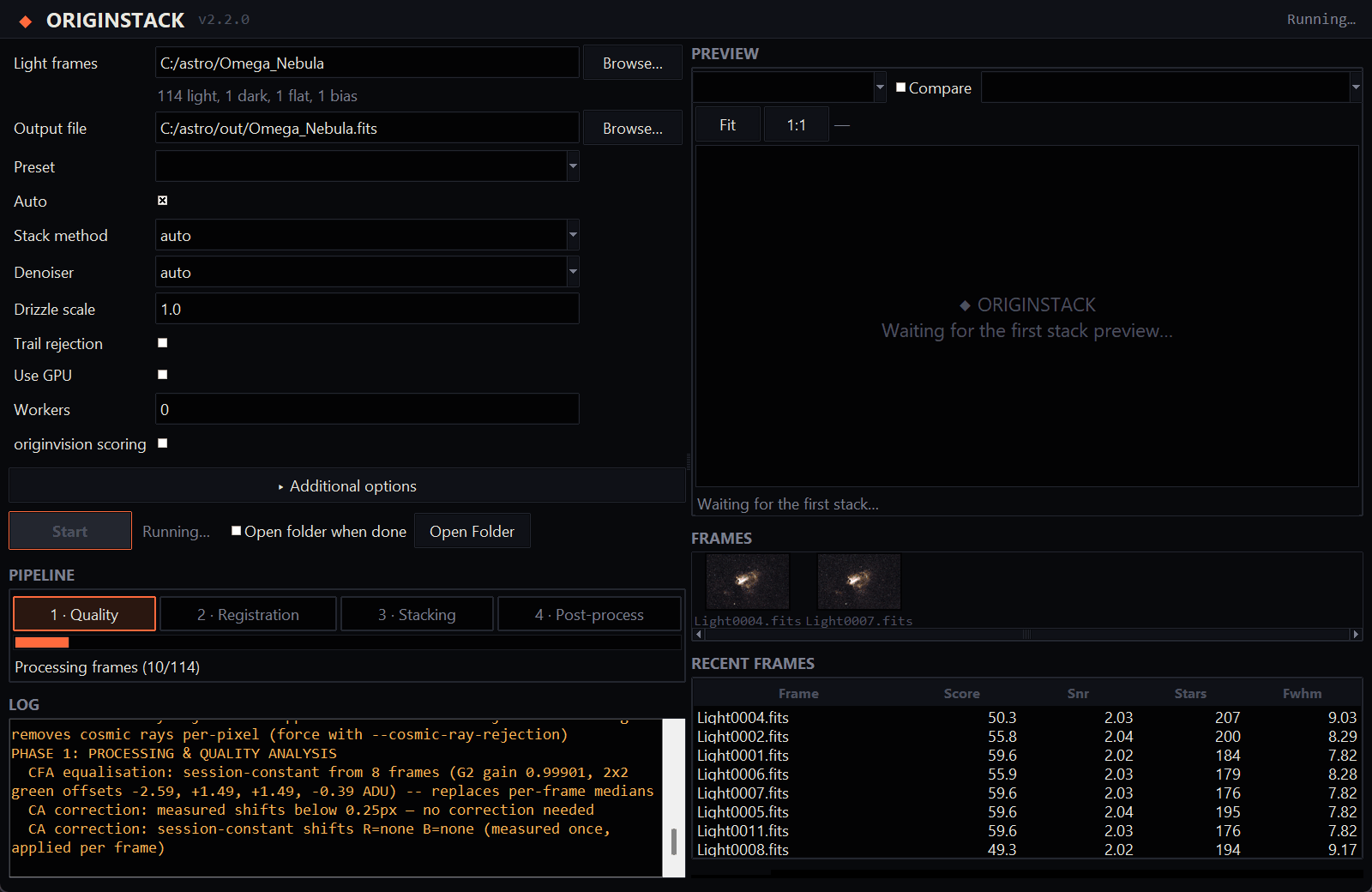
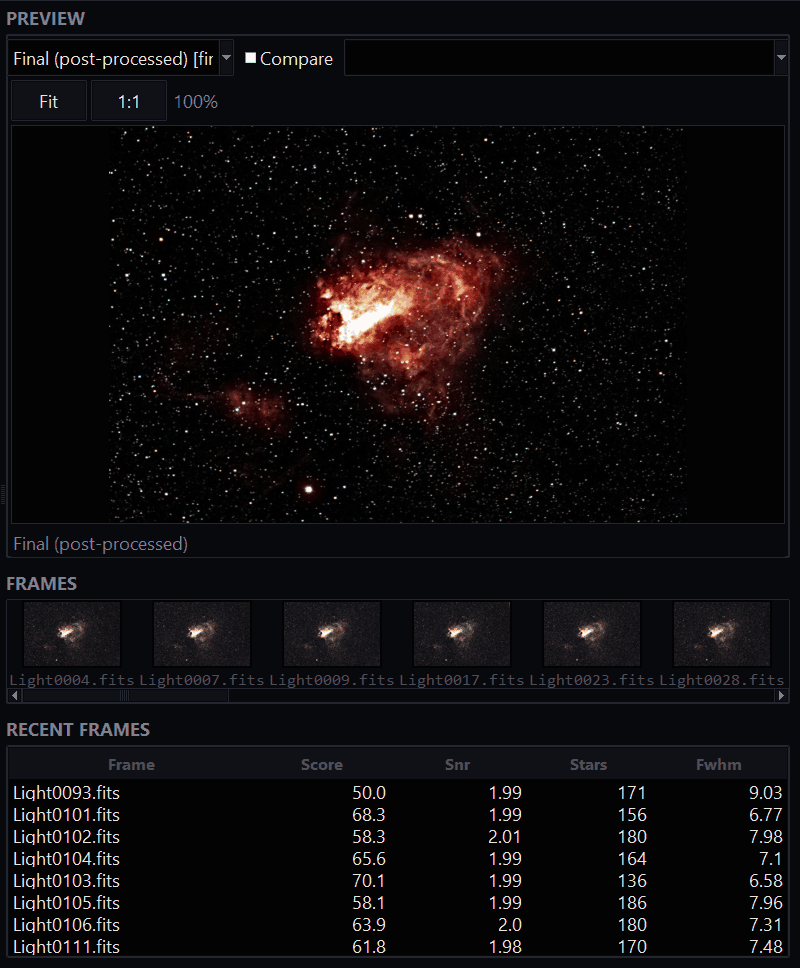
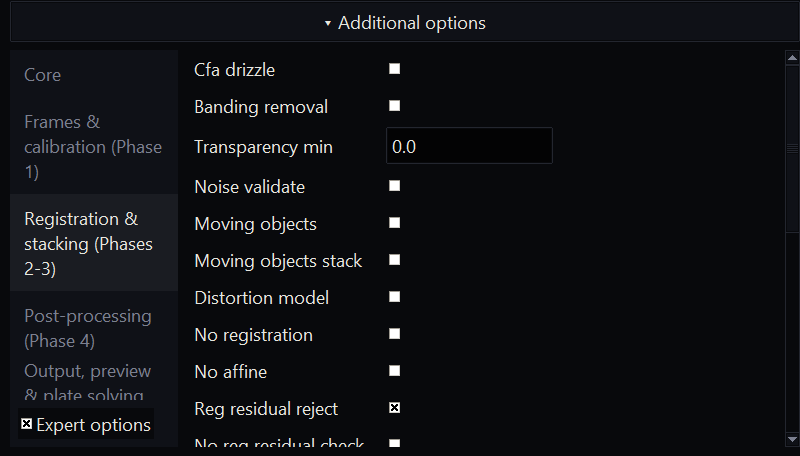
Point the app at a folder of frames and press Run. Every option is one form, and the defaults choose settings for your target. These are real screens from stacking the Omega frames above.
How it compares with Siril and DeepSkyStacker
Same frames, same bias, dark and flat, one machine, each tool on default-style settings. Three Celestron Origin sessions: the Omega Nebula (114 × 30 s), the Sunflower Galaxy (158 × 20 s) and the Sculptor Galaxy (532 × 10 s).
| Session | Stack only | OriginStack, finished image | Peak memory | Star width |
|---|---|---|---|---|
| Omega, 114 frames | 57 s / 72 s | 110 s | 16.5 / 8.1 GB | 4.40 / 4.56 px |
| Sunflower, 158 frames | 106 s / 81 s | 159 s | 16.9 / 8.7 GB | 3.56 / 3.60 px |
| Sculptor, 532 frames | 258 s / 150 s | 270 s | 16.7 / 11.2 GB | 2.78 / 2.95 px |
Star width on the same stars (smaller is sharper)
Omega
Sunflower
Sculptor
What the numbers say
Sharpness: OriginStack is as sharp or sharper. Its stars are 3% narrower than Siril's on Omega, level on Sunflower and 6% narrower on Sculptor. It also used every frame (114, 158 and 532 of 532), where Siril used 111, 157 and 525.
Speed: it depends on the session. OriginStack stacks Omega faster and the two larger sessions more slowly (1.3 times as long on Sunflower, 1.7 on Sculptor). Times move by up to 15% between runs: Siril's Omega ranged from 53 to 72 s across our runs.
Noise: Siril is still cleaner. OriginStack's per-pixel noise is 0.99 to 1.19 times Siril's on Omega, 1.09 to 1.20 on Sunflower and 1.05 to 1.33 on Sculptor, so about level in green and up to a third higher in red and blue. Most of the red/blue gap traces to cosmic-ray and hot-pixel spikes: the debayer filter smears a single-pixel spike further in red/blue than in green, and large sessions skip per-frame cosmic-ray detection in favour of stack-level rejection, which runs too late to fully catch it. Forcing per-frame detection back on closes most of the gap (11 to 16% quieter, measured) but softens stars slightly on shorter sub-exposures and adds 39 to 75% to the stacking time, so it's opt-in rather than the default.
Memory does not grow with the session. OriginStack stayed at 16.5 to 16.9 GB from 114 to 532 frames, set by the number of workers (-j lowers it), while Siril's grew from 8.1 to 11.2 GB. Siril uses less at these sizes. Peak temporary disk was about the same for both, at 18 to 59 GB.
DeepSkyStacker took 14 min 8 s on Omega, produced stars softer than both others, and at its default settings left hot-pixel streaks and a few misregistered frames.
OriginStack's case is what comes after the stack: it finishes the image in the same run with no setup, explains the night with diagnostics, runs fully offline if you ask, and does the rest the other tools leave to you. On a plain stack it is now competitive on sharpness and behind Siril on noise and, for larger sessions, on time. These numbers replace earlier ones: an earlier version of this page overstated sharpness because of how stars were chosen for measurement, and OriginStack's stars were then genuinely softer than Siril's until we found a hot-pixel filter that was clipping star cores, by switching steps off one at a time, and fixed it. Three sessions from one camera are a small sample, and both tools were left at default-style settings. tools/bench_vs_siril.py repeats all of this on your own frames.
Made with it
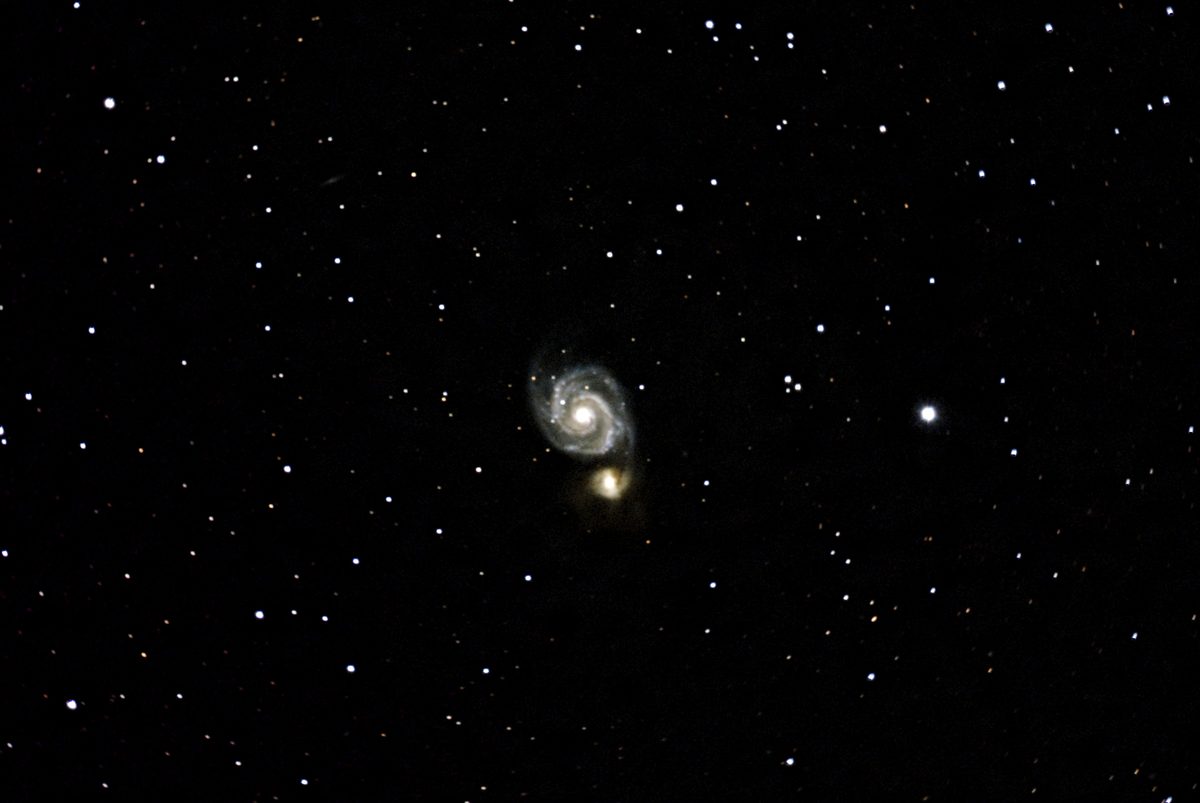
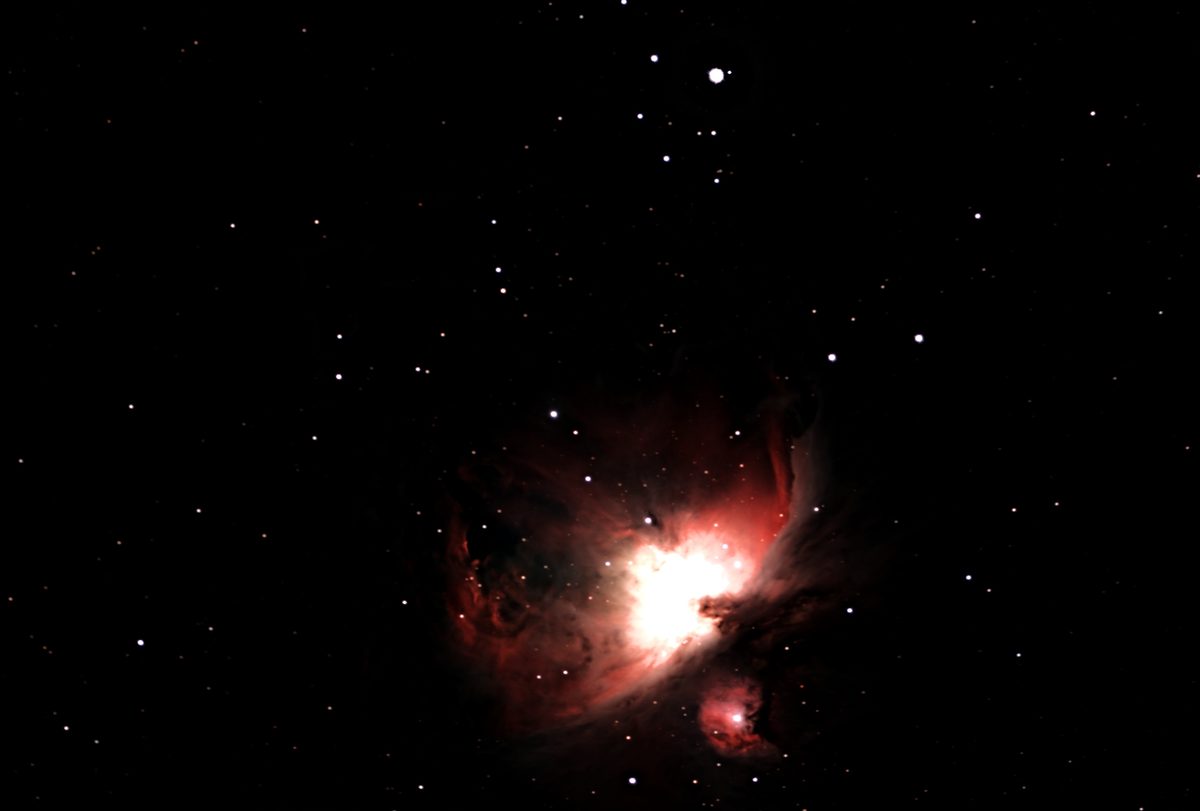
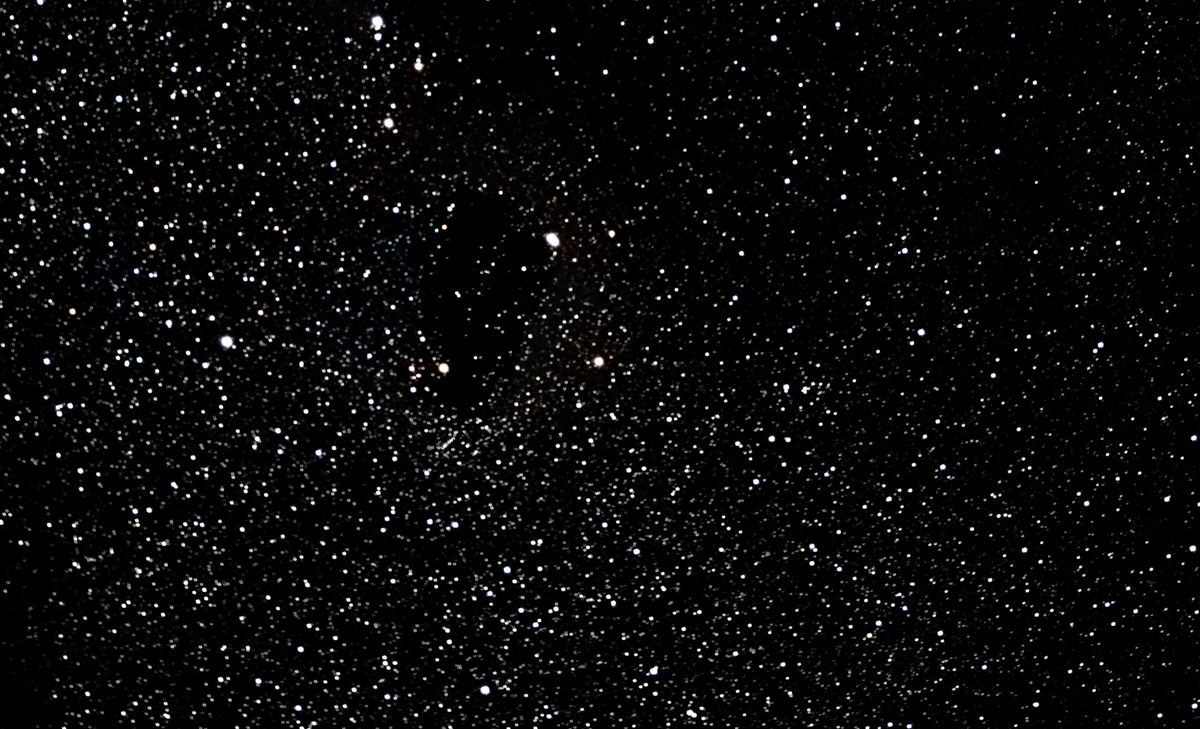
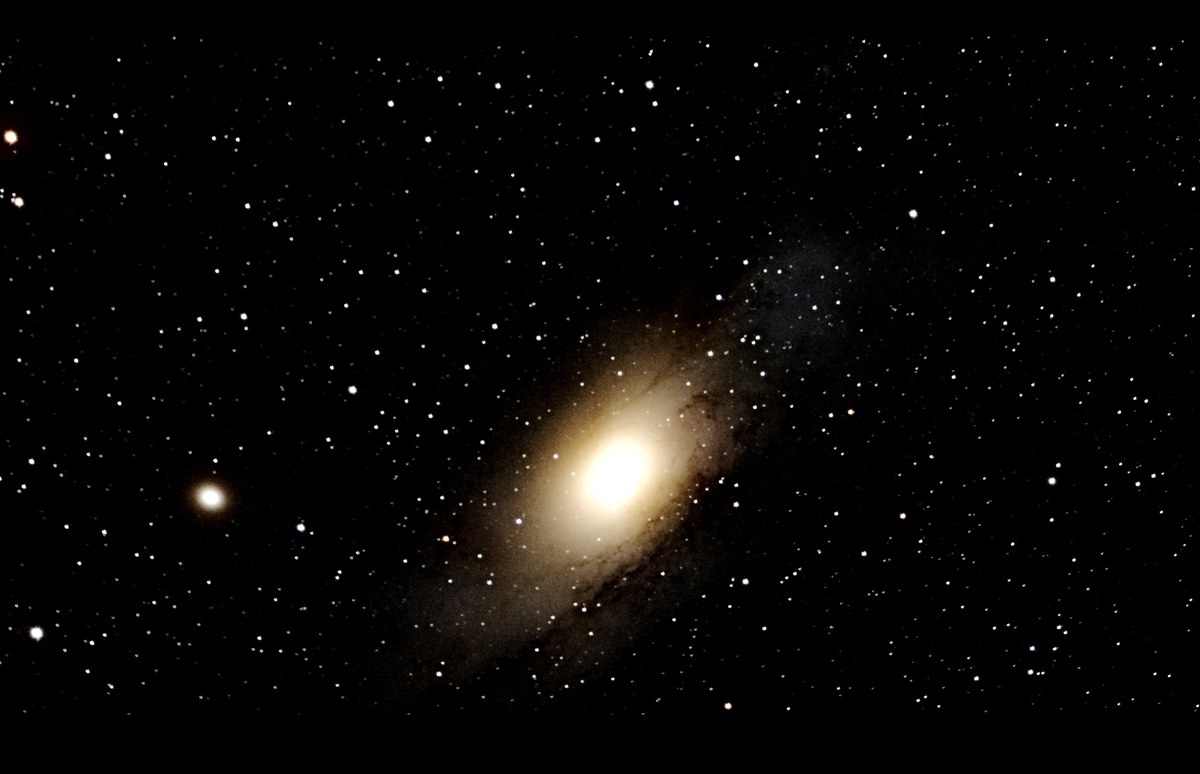
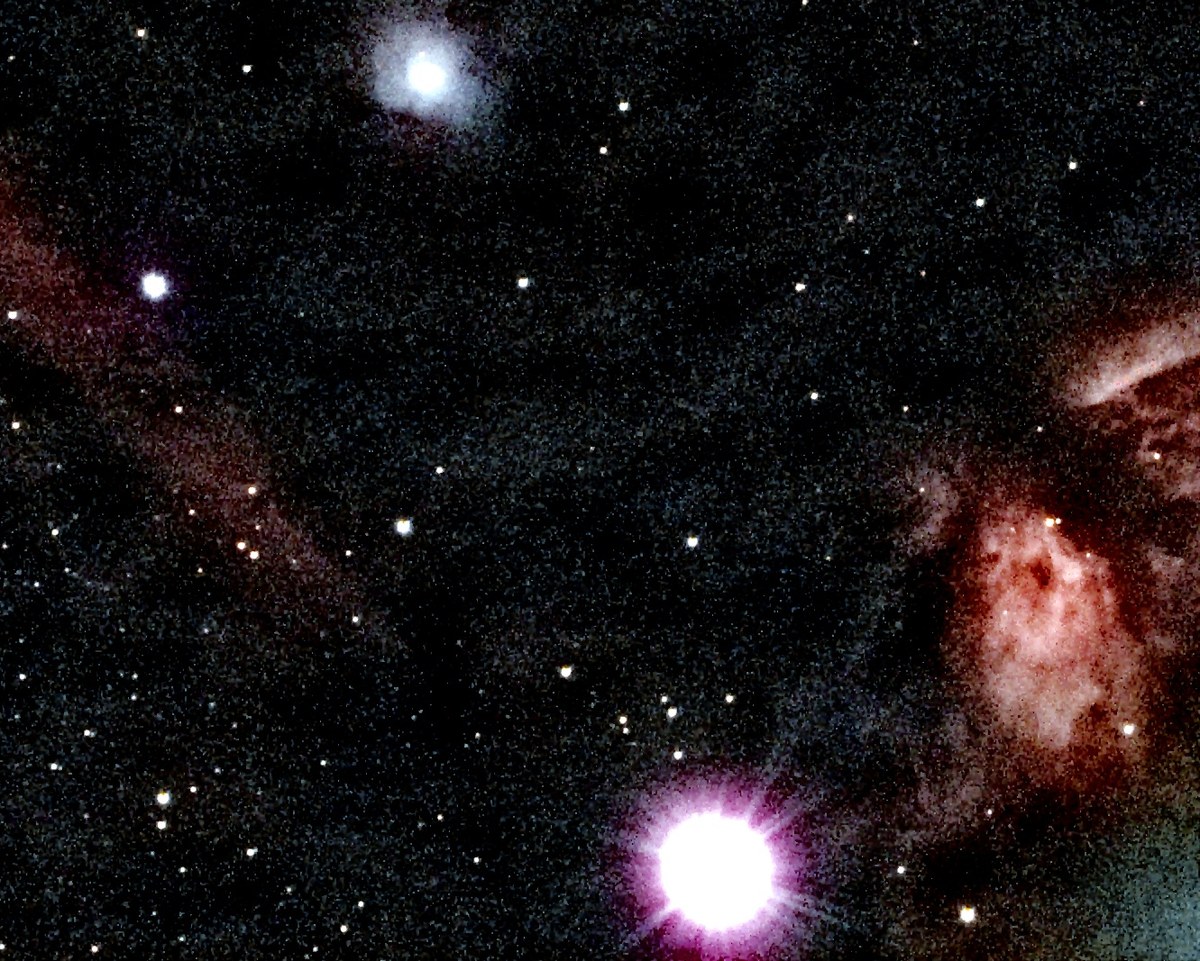
All from raw Celestron Origin frames, stacked and processed by OriginStack, under measured Bortle 7-9 skies (heavy light pollution, backyard/rooftop, not a dark site) -- see the README for the per-image measurements and method.
Install it
Windows installer
Download the setup file from the latest release and run it. It installs for your user only, adds a Start Menu entry and an uninstaller, and needs no Python.
Prefer the zip? Use Extract All first, then run OriginStack.exe from the extracted folder. Running it from inside the zip fails.
Linux bundle
Download OriginStack-<version>-linux-x64.tar.gz from the latest release, extract it and run the installer. It installs for your user only, adds an application-menu entry, and needs no Python or root.
tar xzf OriginStack-*-linux-x64.tar.gz
cd OriginStack-*-linux-x64
./install.sh
It needs glibc 2.35 or newer (Ubuntu 22.04, Debian 12, Fedora 36 and later) and has had less real-world use than the Windows build. Run ./install.sh --uninstall to remove it.
From source
On Windows, Linux (tested) or macOS (not tested):
git clone https://github.com/hd152/originstack
cd originstack
pip install -r requirements.txt
python desktop_app.py
The command line does the same job: python originstack.py -d lights/ -o stacked.fits. An optional Rust extension speeds up the heavy steps and falls back to plain NumPy without it.
What else it does
Calibration with bias, dark and flat frames, hot-pixel and satellite-trail removal, sigma-clipping and other outlier-rejecting stacking methods, optional drizzle, background and gradient removal, noise reduction and deconvolution, plate solving, colour calibration, photometry and a comet mode. If you are looking for a free alternative to DeepSkyStacker or Siril for Celestron Origin and other one-shot-colour astrophotography data, this is built for that.
What it reads
Celestron Origin FITS, and colour-camera frames as FITS, camera RAW (Canon, Nikon, Sony and others, needs rawpy), TIFF and XISF. SER video is supported for planetary work. Mix formats freely in one folder.
Want it fully offline? Pass --offline, or tick it in the app, and OriginStack makes no network requests at all.